
01 / 05 · On a route
It reaches where no one else does
It drives the most remote stretches of the perimeter, by day and by night.
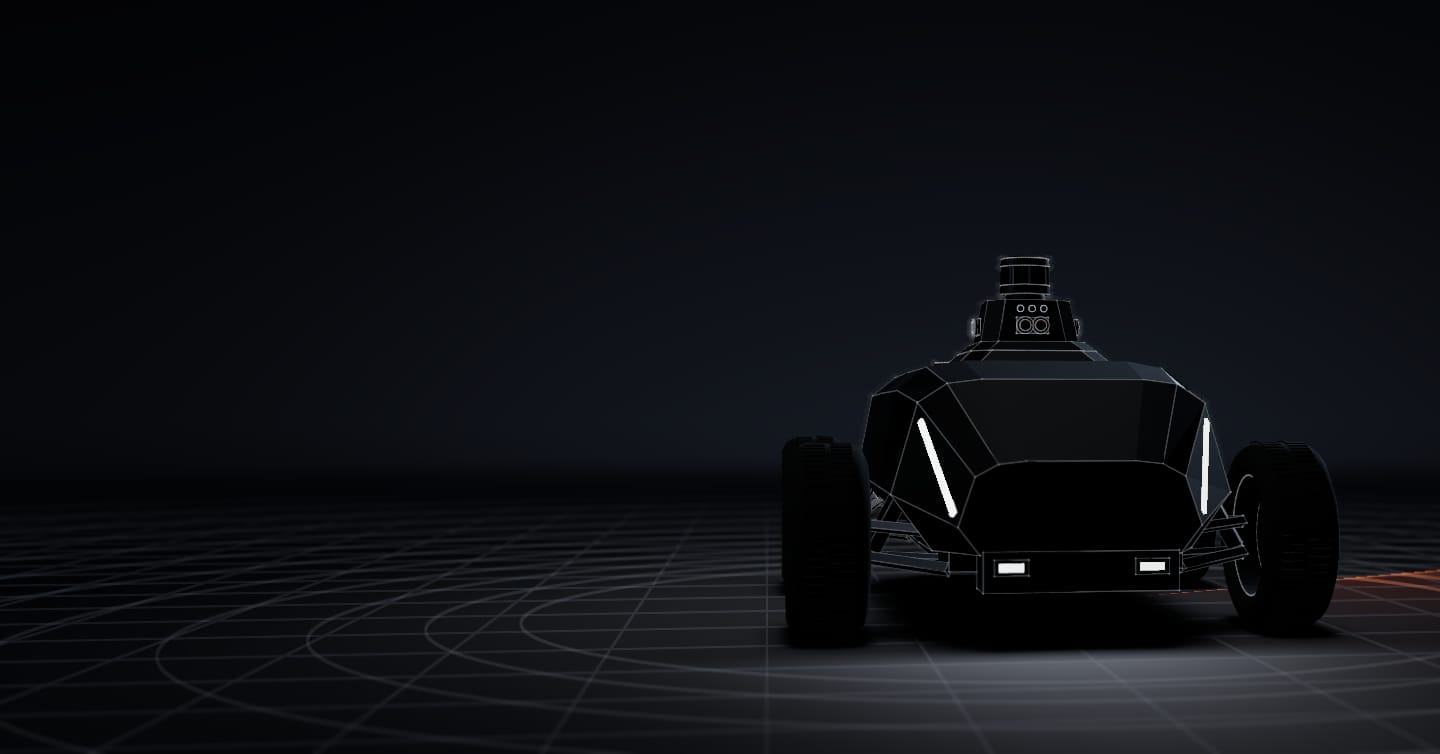
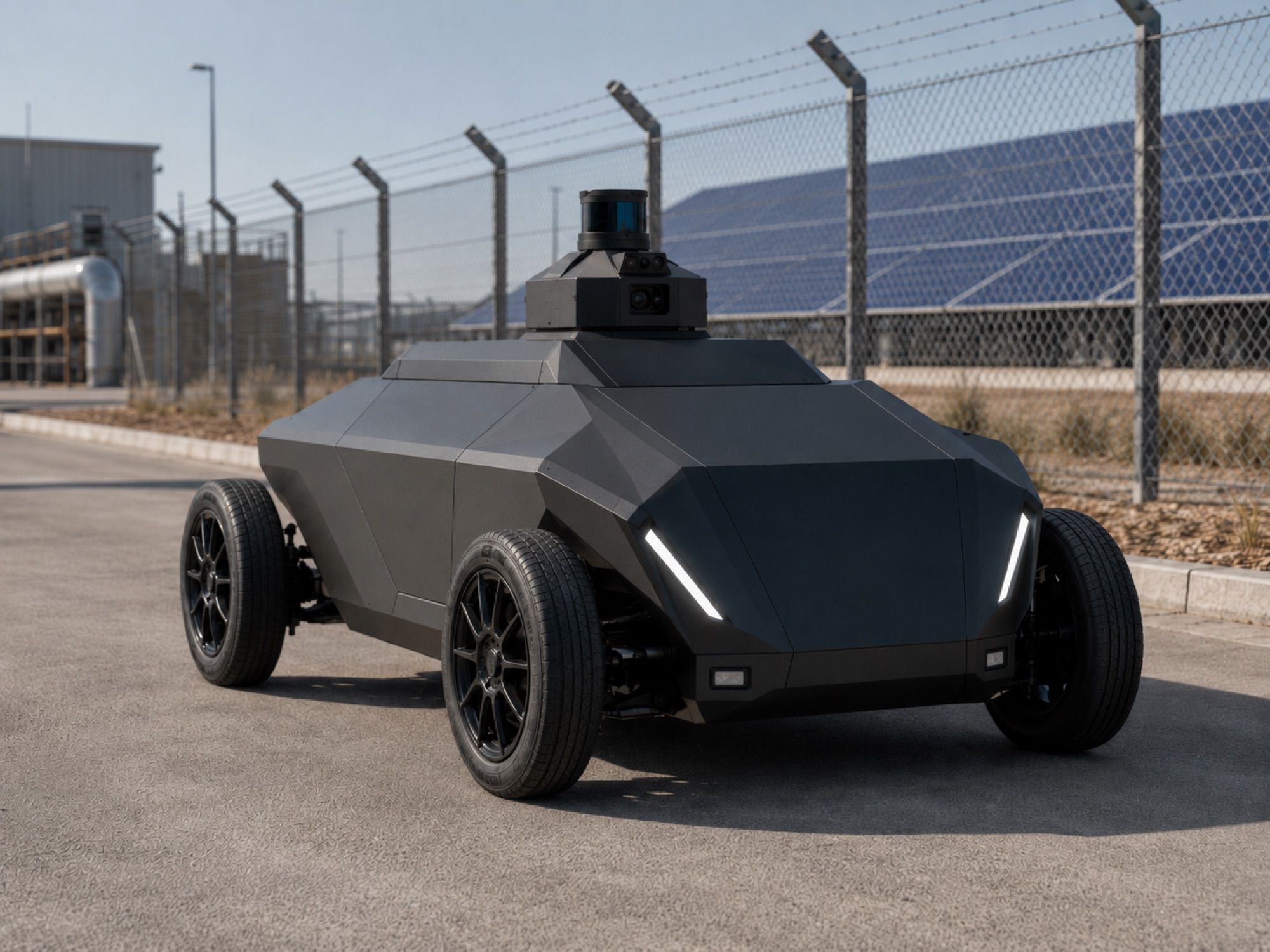
SX-1 robot
It drives the routes on your site map, detects people entering a detection zone and sends the alert to your security company, your ARC or your phone. It is built on an industrial electric chassis and its autonomy system runs on our vehicle.It drives the perimeter, detects people entering a detection zone and sends the alert to your security company, your ARC or your phone.
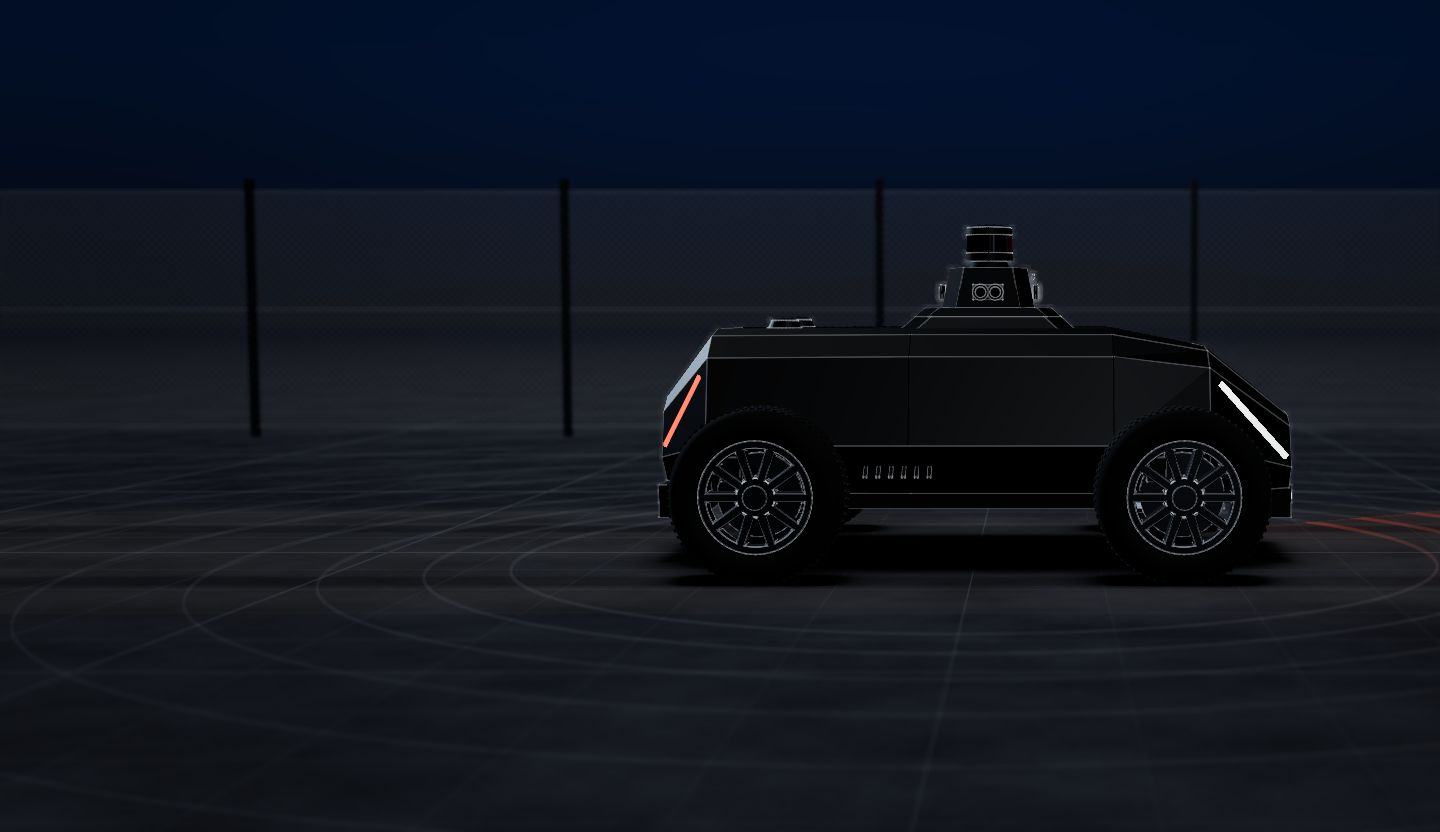
01 / 05 · On a route
It drives the most remote stretches of the perimeter, by day and by night.
02 / 05 · Detects
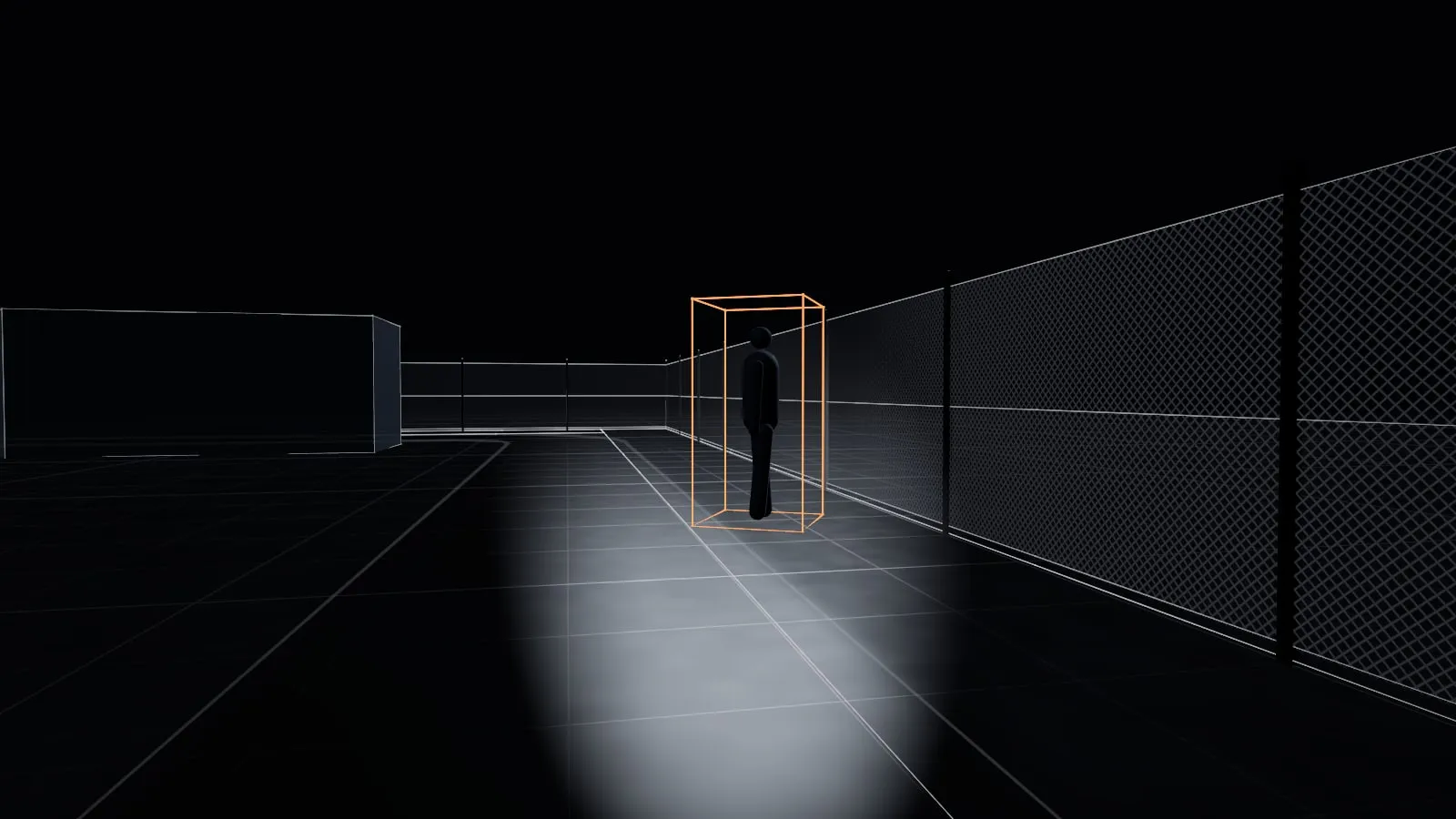
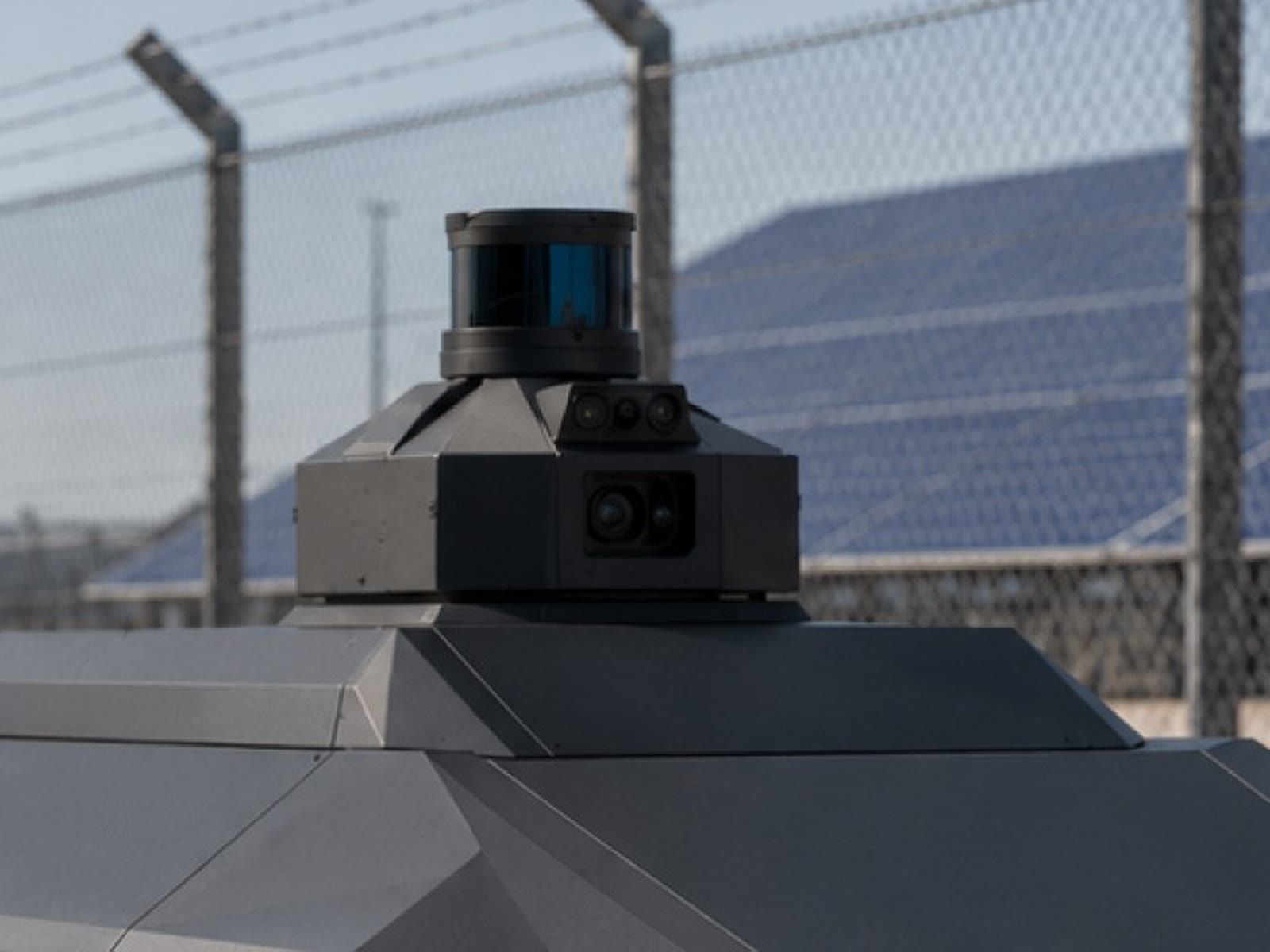
The LiDAR and the cameras work together to detect whoever comes in, by day and by night.
03 / 05 · Your zone
You set the detection zones and when each one alerts: it alerts on whoever enters them, not on whoever walks past outside, and marks whether it is a person or a vehicle.
04 / 05 · The alert
The photo, what it saw and its position on the map, so whoever handles it (your security company, your ARC or you) decides with facts.
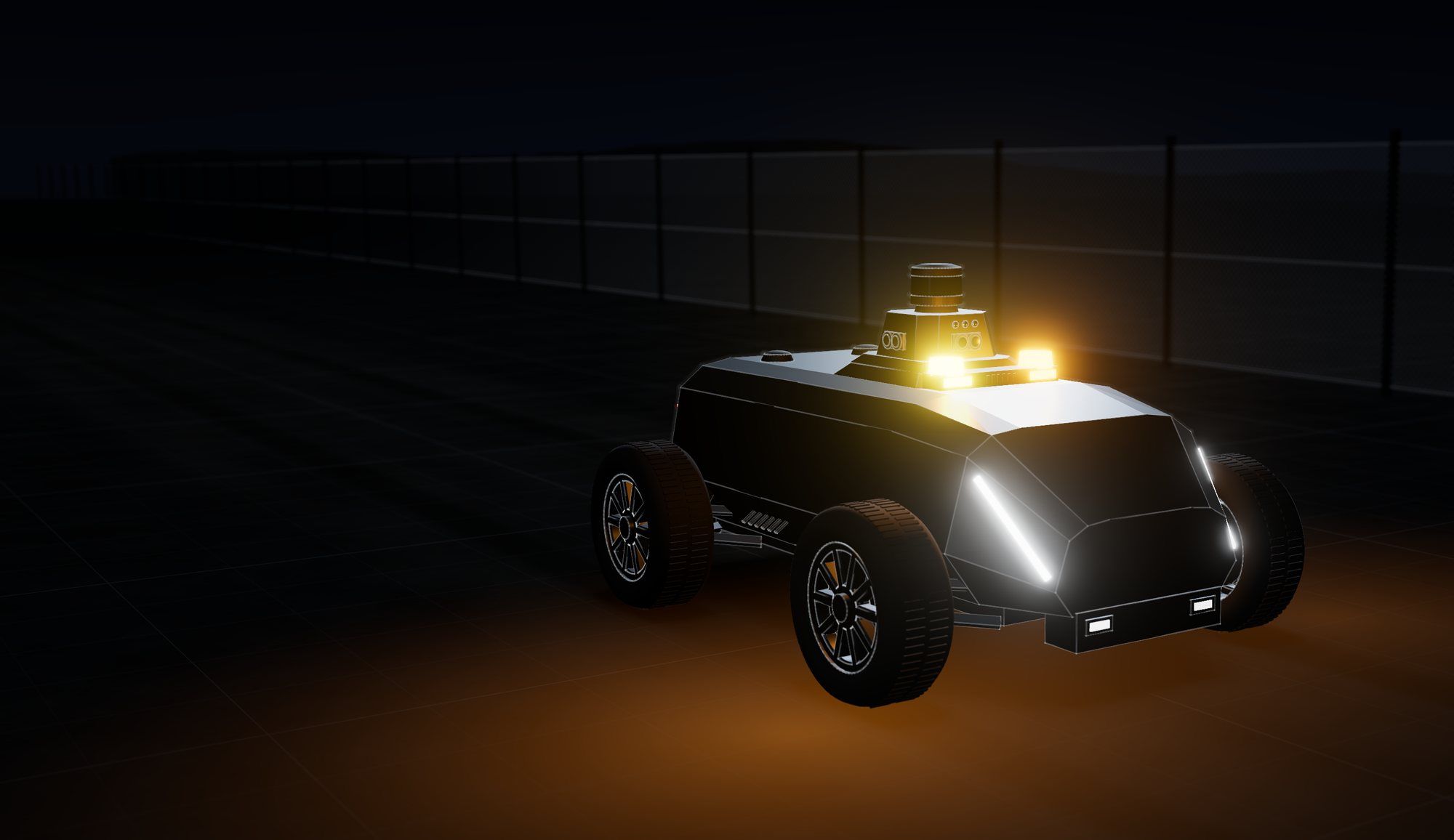
Data sheet · SX-1 robot
Autonomy systemTested in the real world
What the robot sees around it.
Autonomy systemTested in the real world
Where the robot is, and what runs on board.
Autonomy systemTested in the real world
SX-1 robot
Robot as a Service
The SX-1, rented
SeaX Core, with SeaX View, SeaX Pro and SeaX Connect
SeaX AI maintains the robots and supervises them technically
The alert path
Every alert leaves the SX-1 with its evidence (the image, the time and the zone), and the SeaX Core platform takes it to whoever handles it.
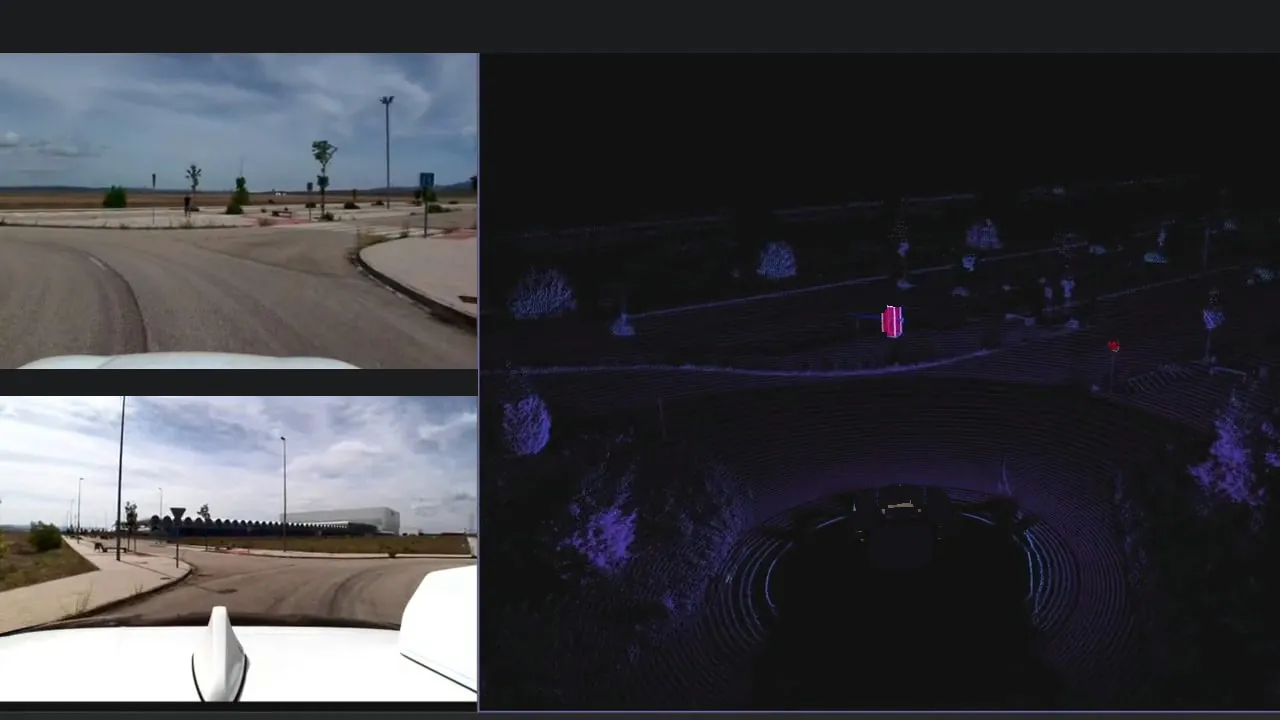 Real-world test
Detects with the LiDAR and the cameras, by day and by night.

The platform receives the alert with its evidence and takes it to each of them.
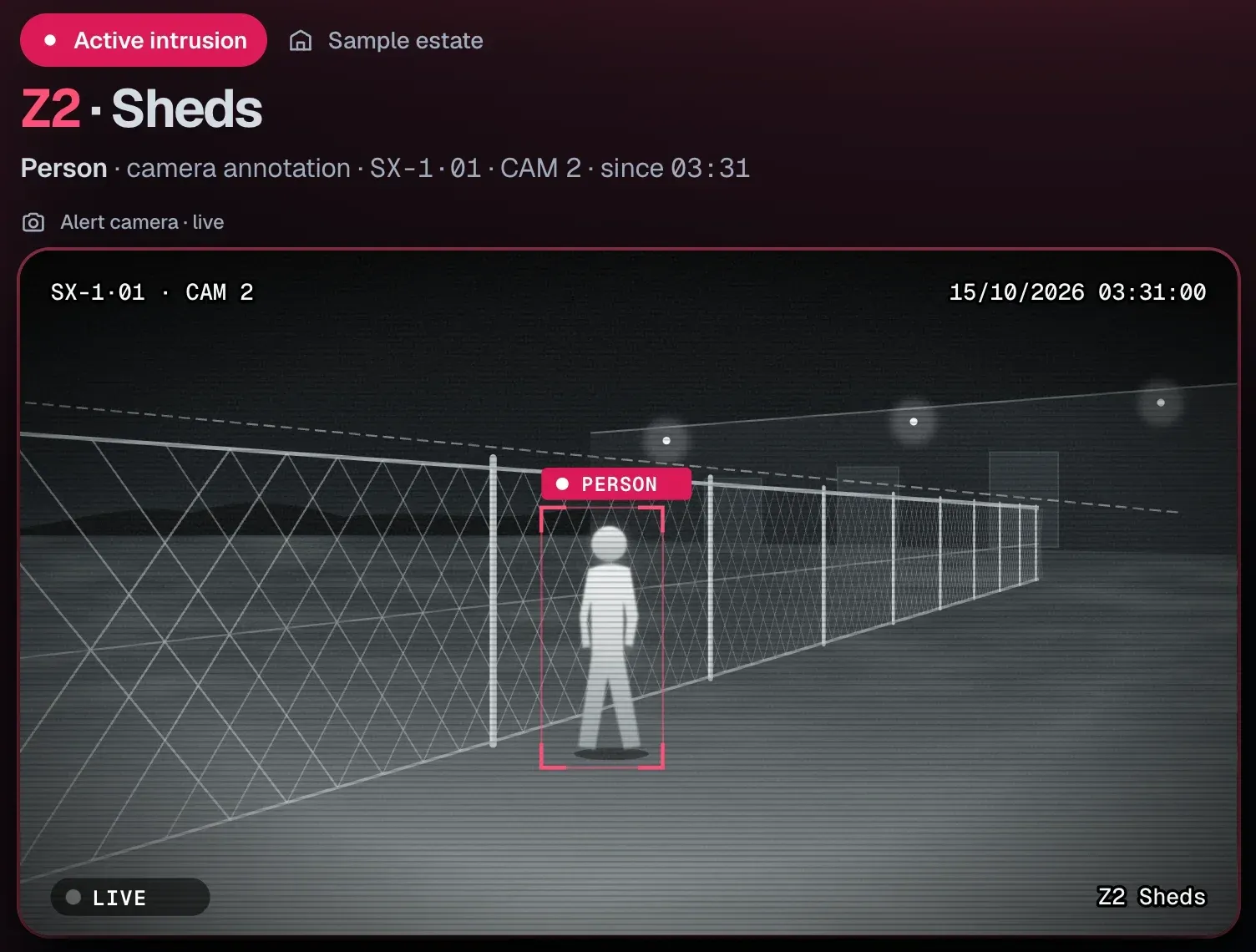
SeaX Live
Your security company
The security officer sees the alert with the camera and decides.
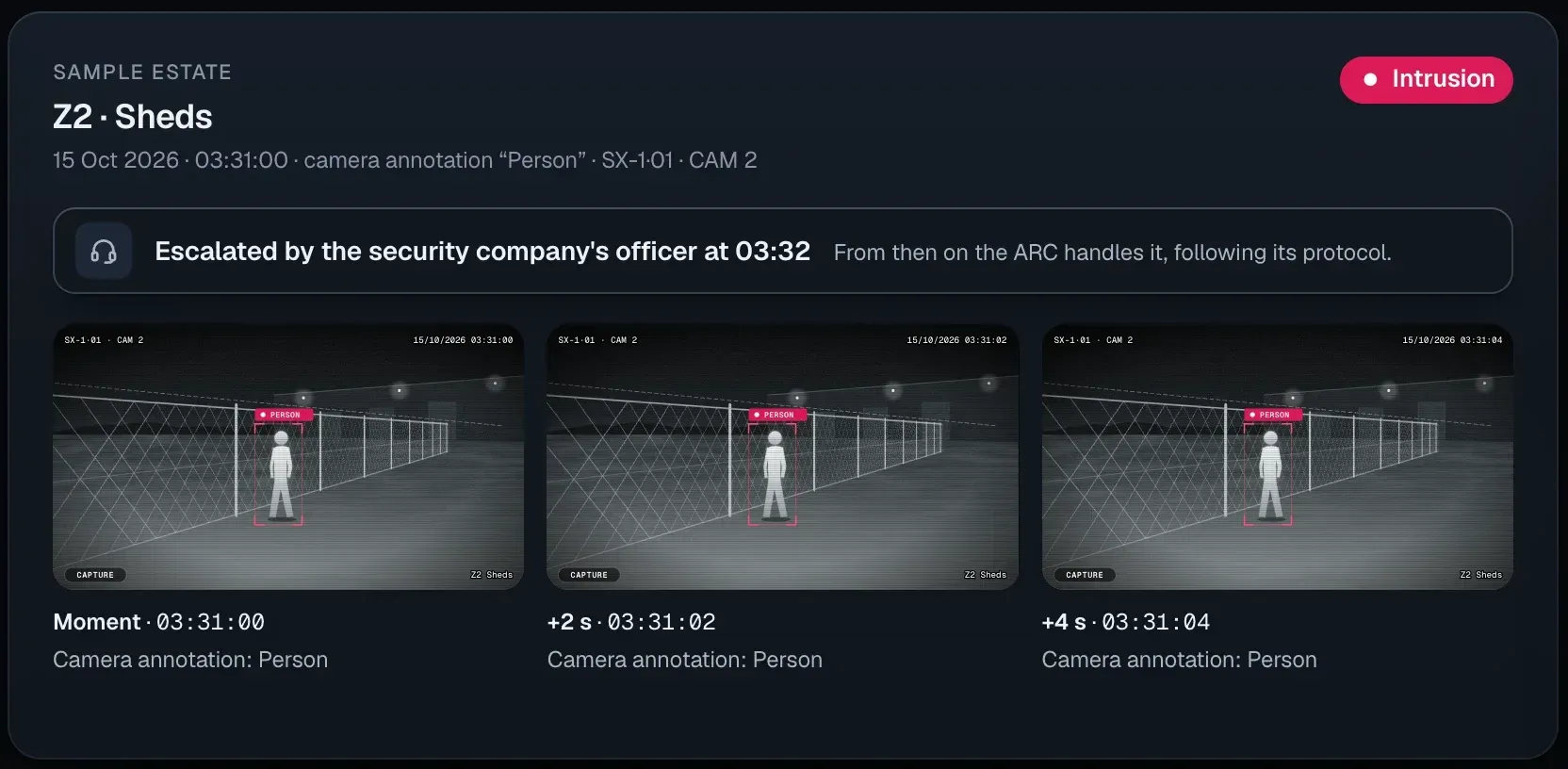
SeaX Connect
Your ARC
If needed, the officer escalates it, with the images.
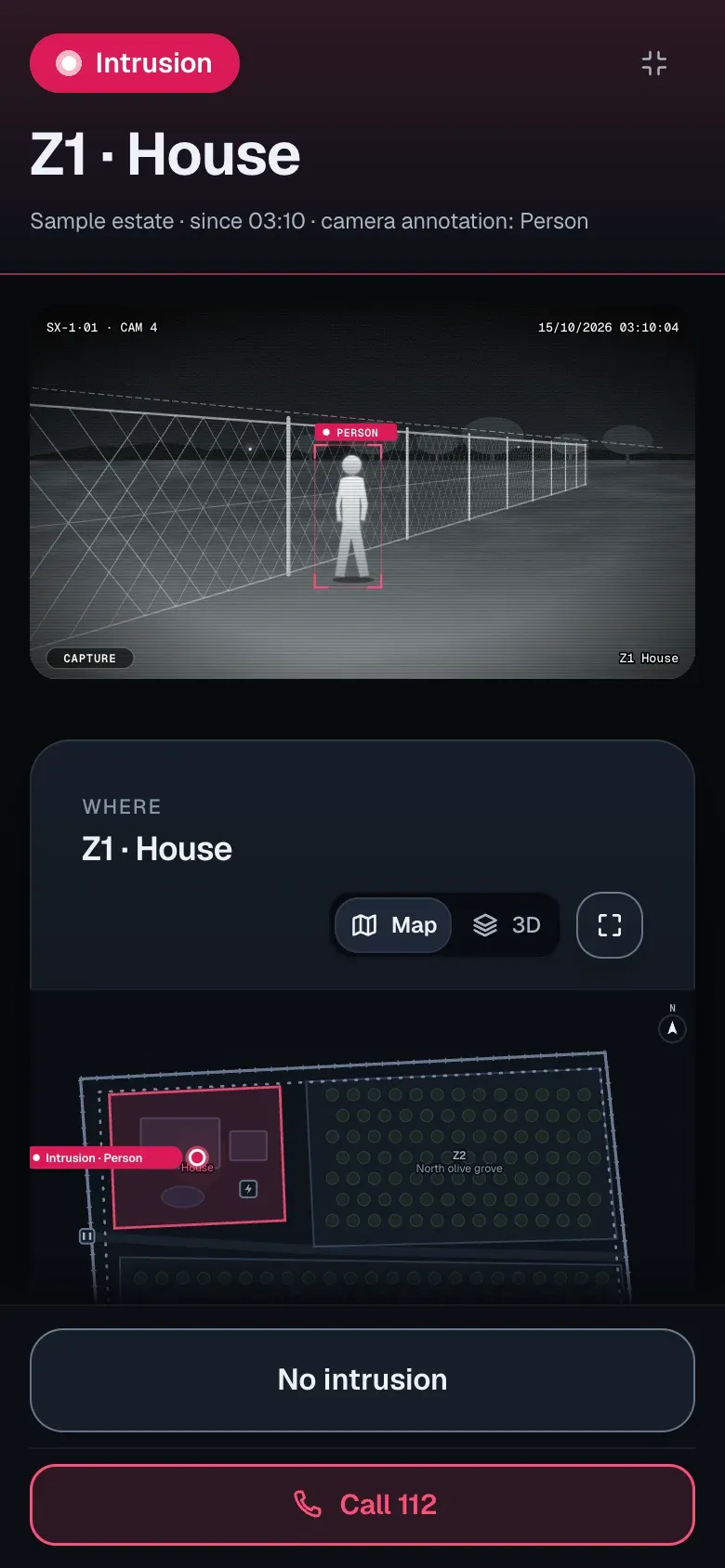
SeaX View
You
The alert reaches your phone.
What changes is the route: along the fence, or on the tracks inside the site.
Safe on your site
Questions about operations, the pilot and pricing are in Security companies.
See the questions about operationsWhoever handles the alerts for your site: your security company, whose security officer gets it with a photo and position in SeaX Live; your alarm receiving centre (ARC), through SeaX Connect, compatible with the standard protocol used by receiving centres; or you, on your phone with SeaX View, if the estate is yours. Whoever receives it decides the response.
The three ways to use itIt extends your security officers’ reach on long perimeters: your security company operates the robot from its post with SeaX Live and decides the response.
Nobody starts the robot remotely: it is always started next to it, with a physical control.
Contact
Tell us about your site and we will show you the system.
Prefer email? [email protected]
For security companies