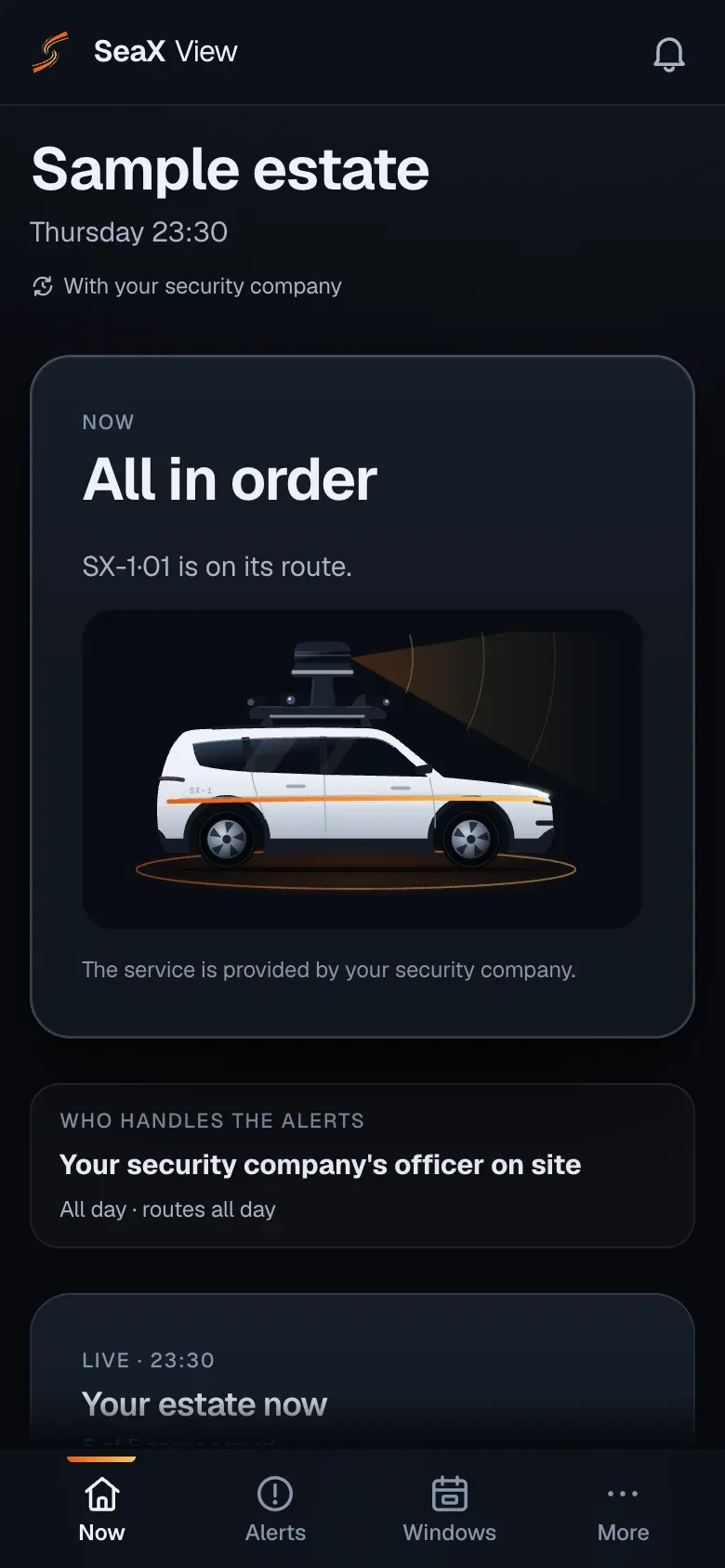
One night on its route
An example simulation of a night on a large estate, with the alerts on your phone.
22:30 · Route
The route starts
It leaves the barns along the main track towards the northern boundary.
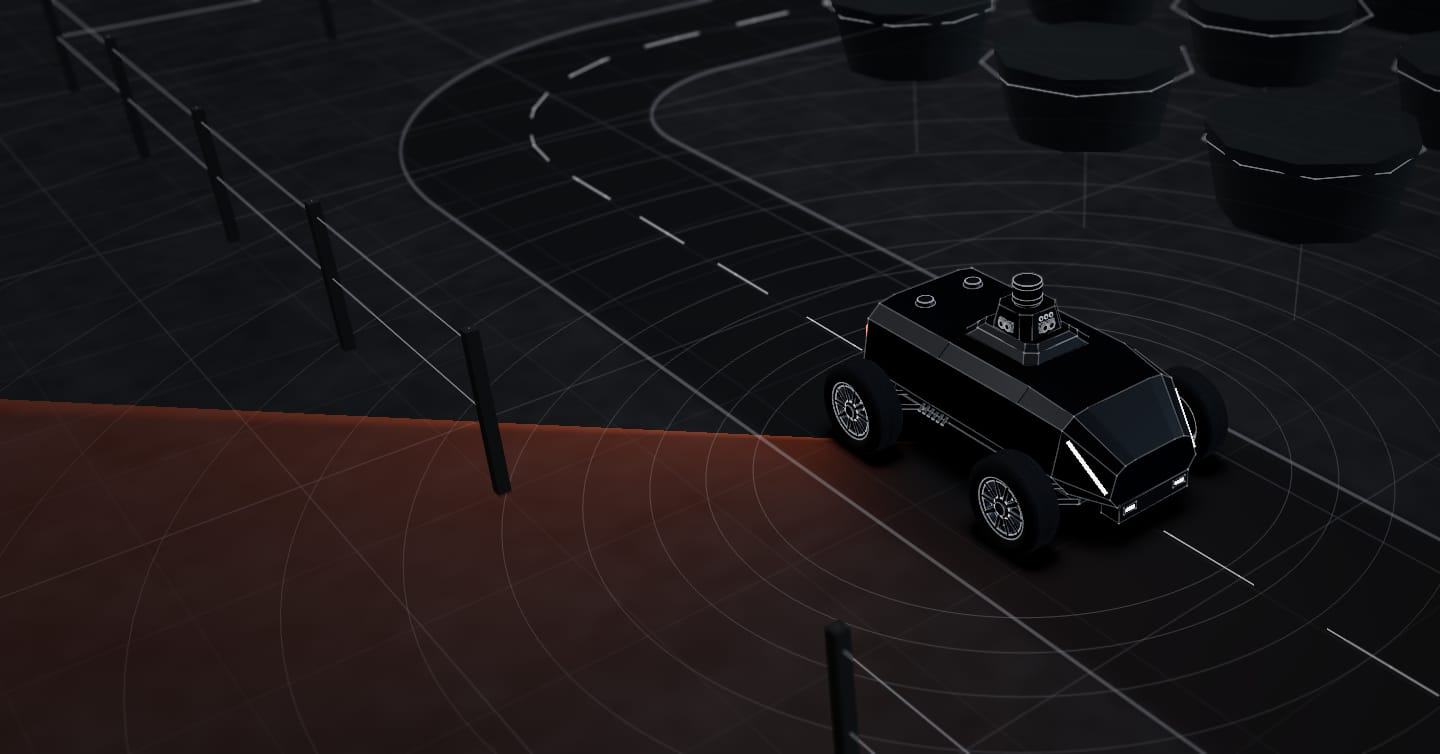
Large estates, with tracks and boundaries far from the house. The SX-1 robot drives your estate’s tracks and, when it detects someone in a detection zone, it sends the alert with a photo and position. If the estate is yours, you get it on your phone and decide what to do.
Autonomy system tested in the real world How we test it
01The problemLarge estates
On a large estate, the inner tracks are long and far from the house or the main gate.
Barns, stores and machinery spread across the estate, linked by dirt tracks far from the house or the main gate.
Several gates, stretches with no fence or a low one, and tracks that lead to neighbouring land.
A fixed camera by the house or the gate does not reach the boundaries or the tracks at the far end of the estate.
An example simulation of a night on a large estate, with the alerts on your phone.
22:30 · Route
It leaves the barns along the main track towards the northern boundary.
02:15 · Route
It drives through the barns and machinery yard, inside a detection zone.
03:05 · Alert
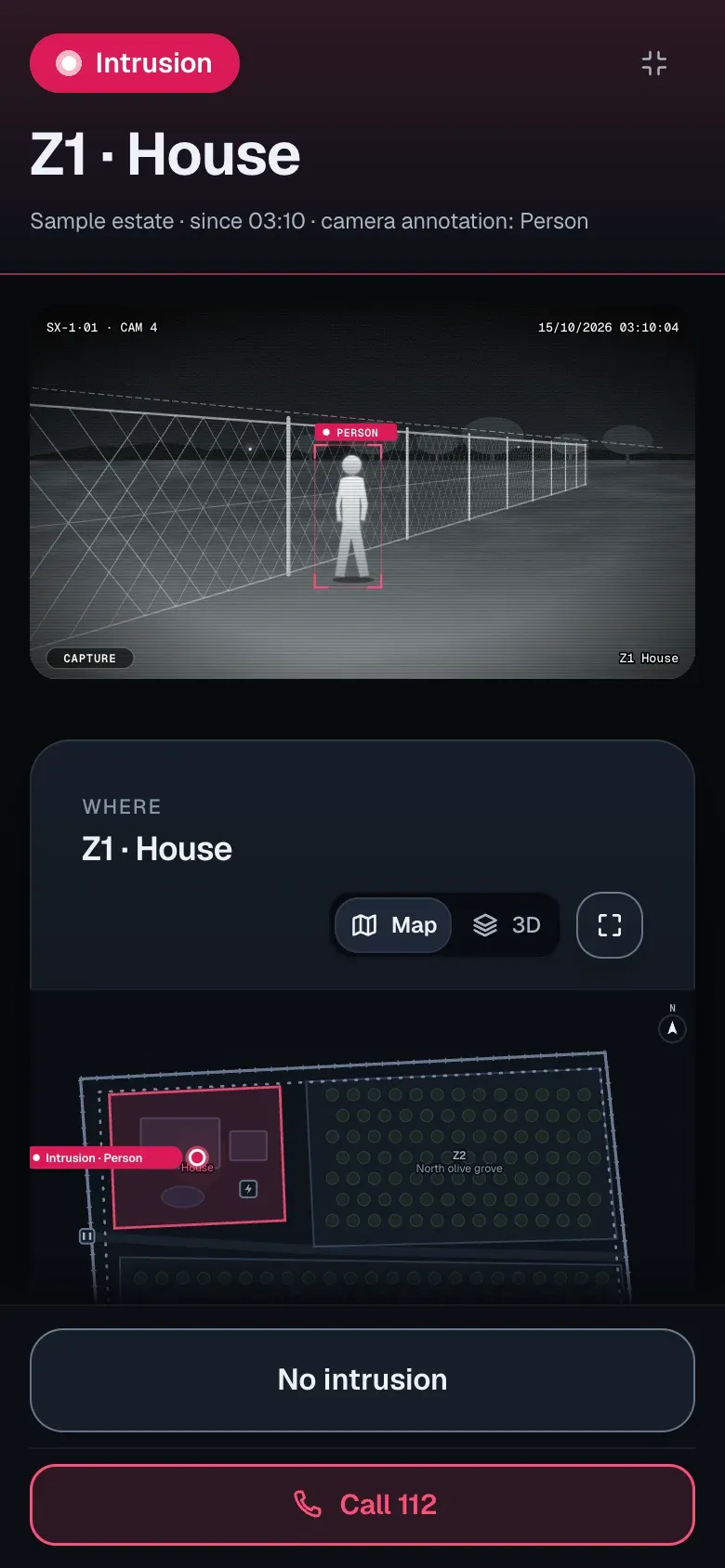
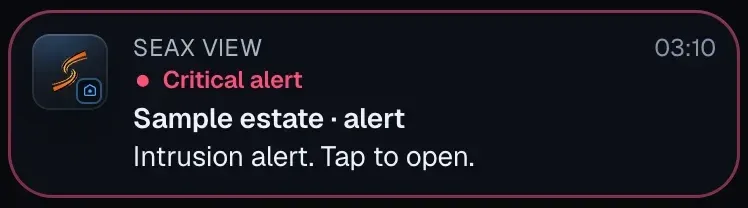
Detects a person by the east gate. You get the alert on your phone, in SeaX View, with a photo and position, and decide what to do.
06:30 · Log
The night’s alerts stay in the SeaX View history, each with its photos, time, zone and who dealt with it.
See how · For your estateThe system is the same on every site.
03Who handles the alerts · SeaX ViewLarge estates
You can also:With your security companyWith your ARC
Would you rather a professional handled it? We put you in touch with an authorised security company. Demo and pilot
SeaX ViewLarge estates
With SeaX View, the customer app, you see at a glance how your estate is and who handles the alerts. And if an alert is for you, it reaches you with the photo and the zone.
The robot on its route and who is handling alerts now: you, your security company or your ARC.
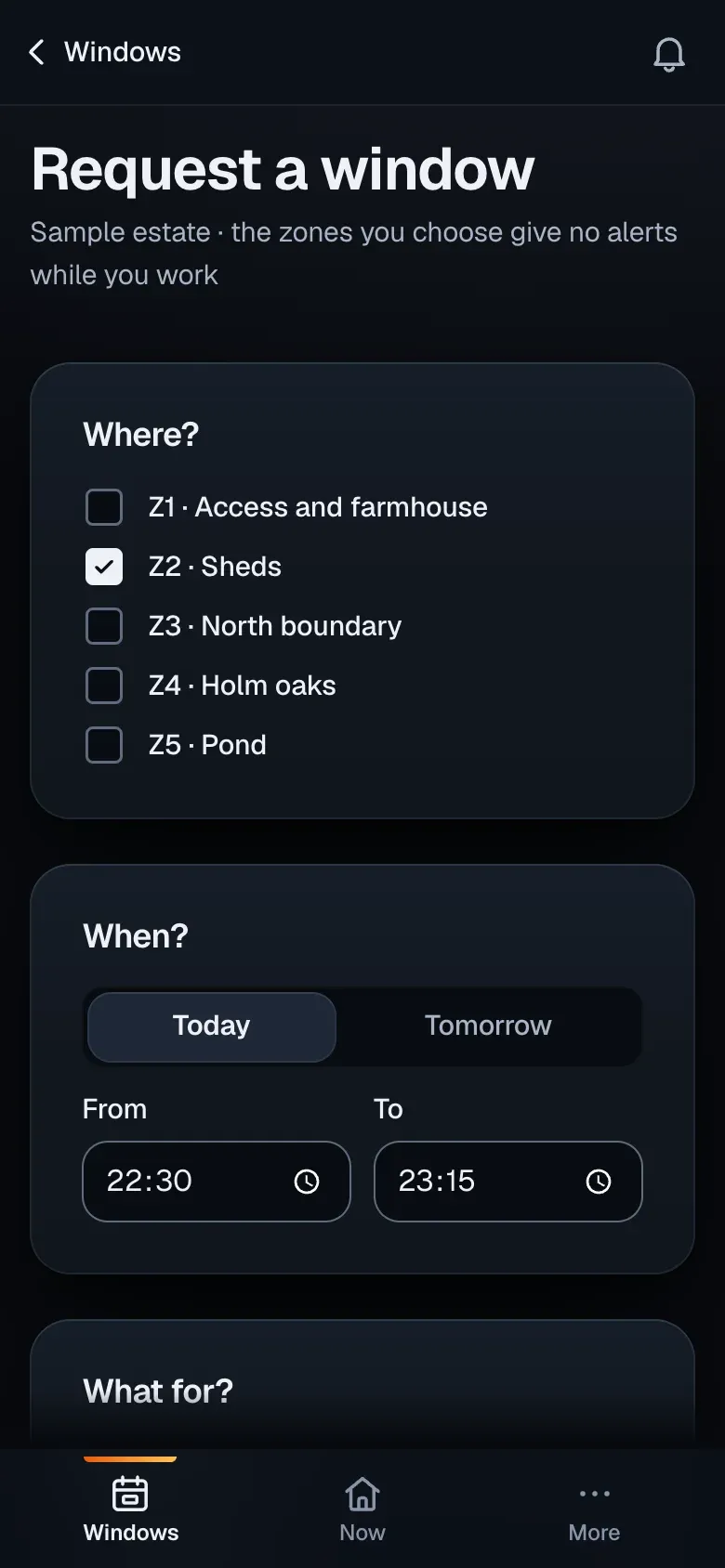
Loading at the sheds tonight? You request a window from your phone and, once your security company approves it, those zones give no alerts while the work lasts.
It sounds even when your phone is on silent, with the photo and the zone. You decide: dismiss it or call 112.
It works alongside your cameras and, if you prefer, a professional.
It is designed to drive the inner tracks of large sites. We review the condition of each track with you before the demo.
It alerts when something enters a detection zone, during that zone’s hours. You see the image on your phone and decide whether it is real.
It places them on the estate map and sends the alert to your phone, in SeaX View, with a photo and position. You decide what to do: deal with it, pass it to the next person on your list or call 112.
Not directly, and no security system can do that in Spain: the rules do not allow an alarm to call the police on its own. If you have an ARC, the SX-1 sends it the alert with a photo and position; the ARC verifies it and, if it is real, calls the police. If you do not and you own the estate privately, you get the alert on your phone with SeaX View and decide what to do, for example call 112; if the estate belongs to a company, the SX-1 is used with your security company or your ARC.
More questions in Security companiesThen it is used with your security company, whose security officer operates the SX-1 with SeaX Live, or with your ARC, which receives every alert with image and position through SeaX Connect.
With your security companyThe robot privacy policy explains it: what data it captures and how it is handled.
Robot privacy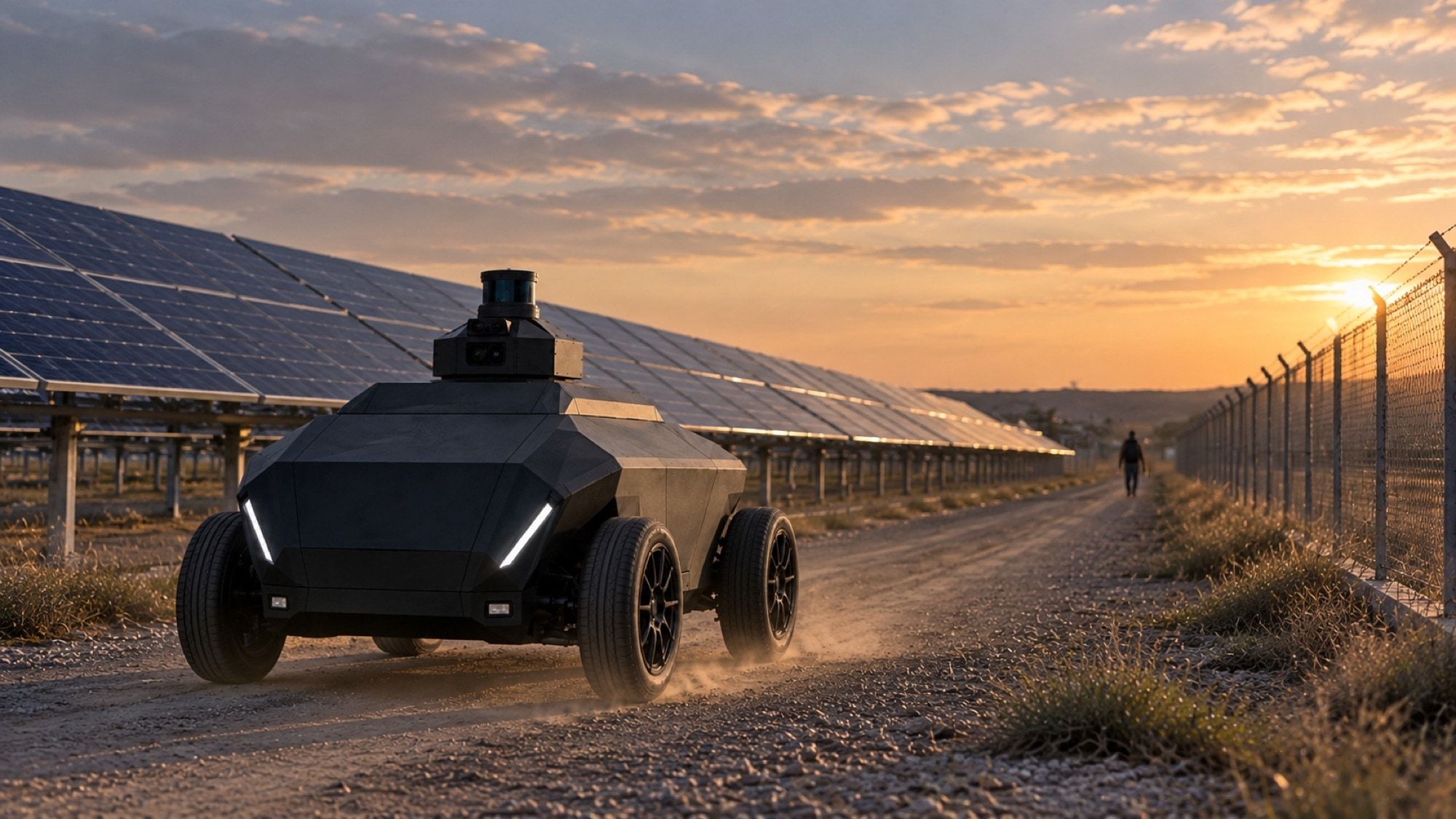
Next step
Leave your details and we will get in touch to learn about the estate, its tracks and how it is covered today. We use that to prepare the demo.
We agree the details with you on the first visit.
Prefer email? [email protected]
Want to see it working? Demo and pilot