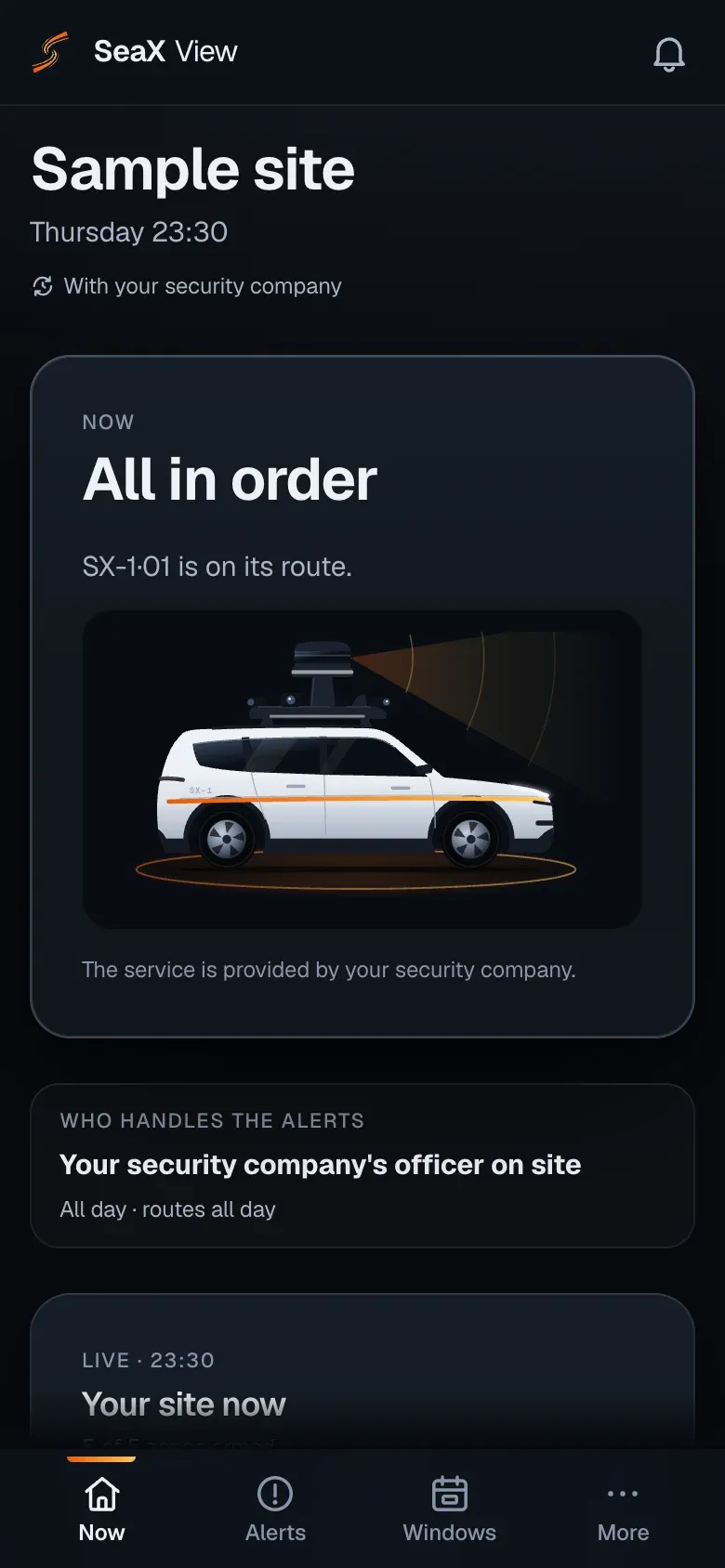
One night on its route
An example simulation of a night at a logistics centre with its own substation, with your security company.
21:30 · Route
Site closes
The last shift ends and the robot sets off along the perimeter fence.
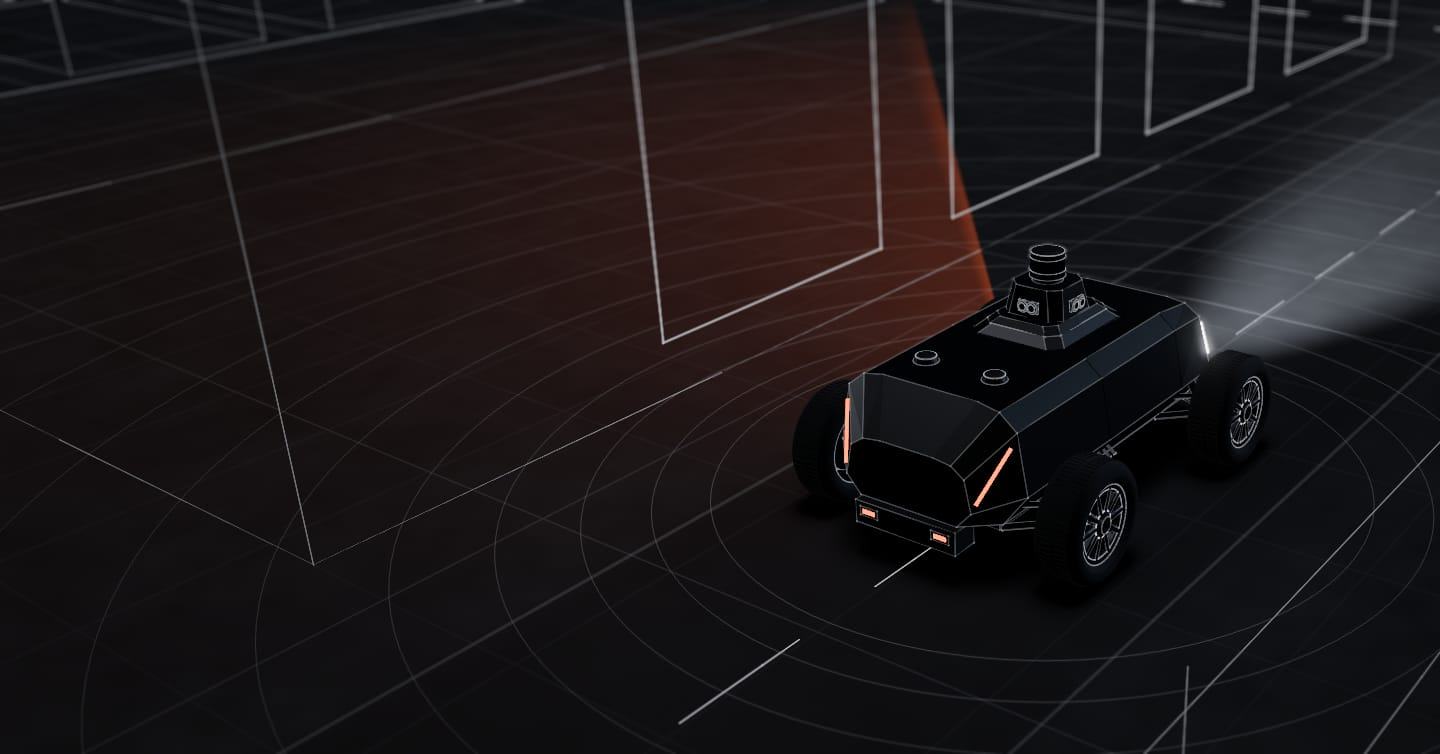
Industrial parks, logistics centres, factories and substations with long fences and few staff at night. The SX-1 robot drives fences, loading bays and gates and sends every alert, with a photo and position, to your security company or your ARC.
Autonomy system tested in the real world How we test it
01The problemIndustry, logistics and substations
Outside working hours, many sites have few or no staff, and perimeter checks become infrequent.
One security officer covers gates, buildings and loading bays at once. Between one check and the next, much of the fence goes unseen.
Many run with nobody on site and in remote areas, at risk of copper theft and intrusion into the electrical compound.
Loading and lorry areas far from the gatehouse, with no activity during the night.
An example simulation of a night at a logistics centre with its own substation, with your security company.
21:30 · Route
The last shift ends and the robot sets off along the perimeter fence.
23:00 · Route
It passes the loading bays and gates, inside a detection zone.
01:15 · Alert
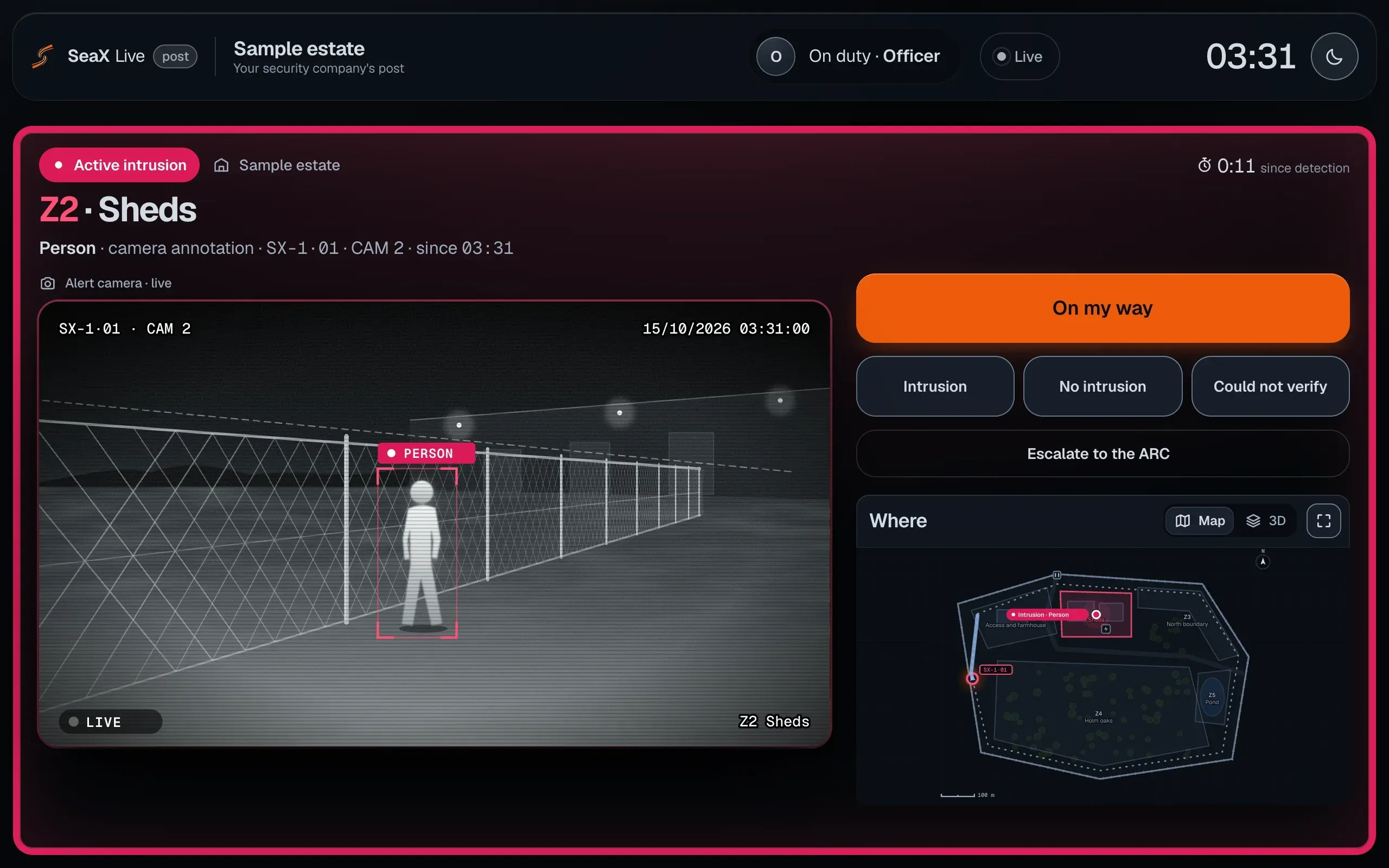
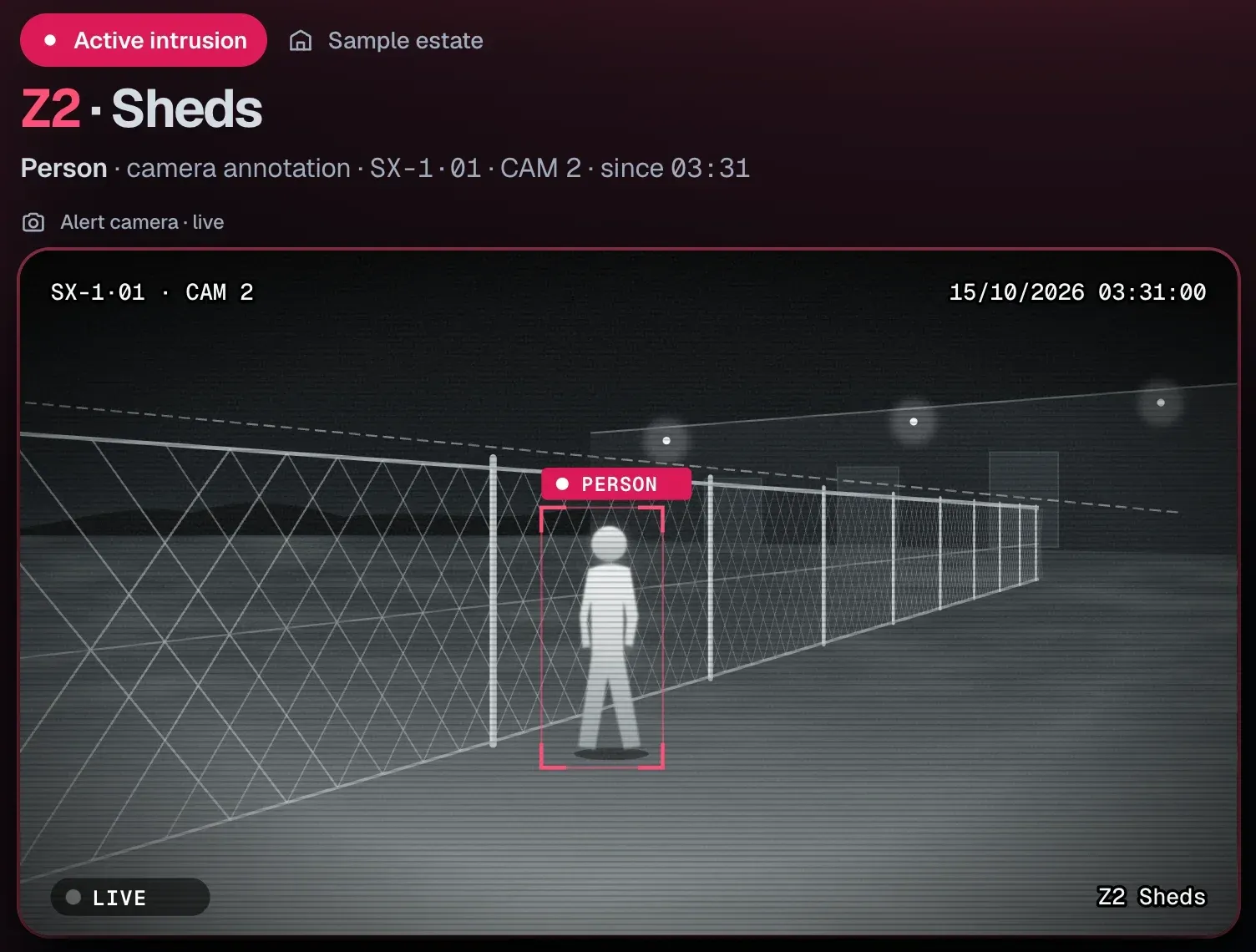
Detects a person by the substation fence. Your security company’s officer gets the alert in SeaX Live, with image and position, and decides the response.
06:00 · Log
The night’s alerts stay in SeaX Core, with their photos and who decided, for your team and your security company.
See how · With your security companyThe system is the same on every site.
03Who handles the alerts · SeaX LiveIndustry, logistics and substations
You can also:With your ARCFrom your phone
Not working with a security company? We put you in touch with one, or you use it yourself from your phone. Demo and pilot
SeaX ViewIndustry, logistics and substations
Your security company handles the alerts. You see in SeaX View, the customer app, that all is in order.
The robot on its route and who is handling alerts at this moment.
Every alert with its photos, how it was closed and who handled it.
Your security manager sees it on a big screen in the SeaX View web app, with the site plan.
It works alongside your cameras, your security company and your ARC.
It can drive along the substation’s perimeter fence. Driving inside the electrical compound depends on safety clearances and the owner’s rules.
No: the system cannot tell whether a person is authorised. The alert reaches whoever handles it, your security company or your ARC, with the image, and they decide whether it is real. Each zone also has its own schedule and can be paused during maintenance work, with an end time.
It depends on the roads and access between plots. We assess it with you using the park plan before the demo.
It places them on the site map and sends the alert, with image and position, to your security company’s post, where it shows up in SeaX Live. Their security officer decides on every alert and can escalate it to your ARC. The response stays with whoever handles the alert.
The robot privacy policy explains it: what data it captures and how it is handled.
Robot privacy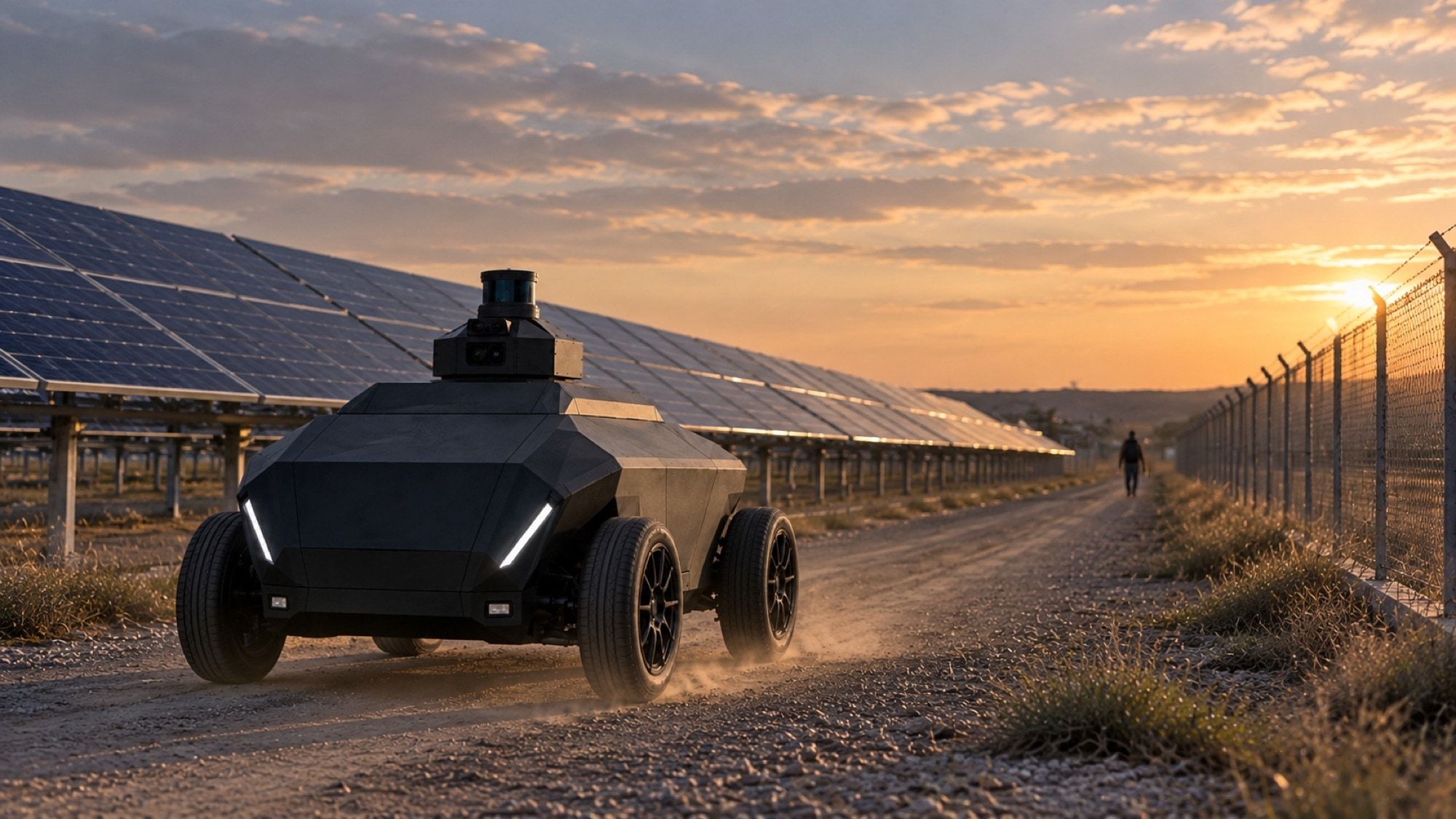
Next step
Leave your details and we will get in touch to learn about the perimeter and how it is covered today. We use that to prepare the demo.
We agree the details with you on the first visit.
Prefer email? [email protected]
Want to see it working? Demo and pilot